 USE · 01
Hands full? No problem
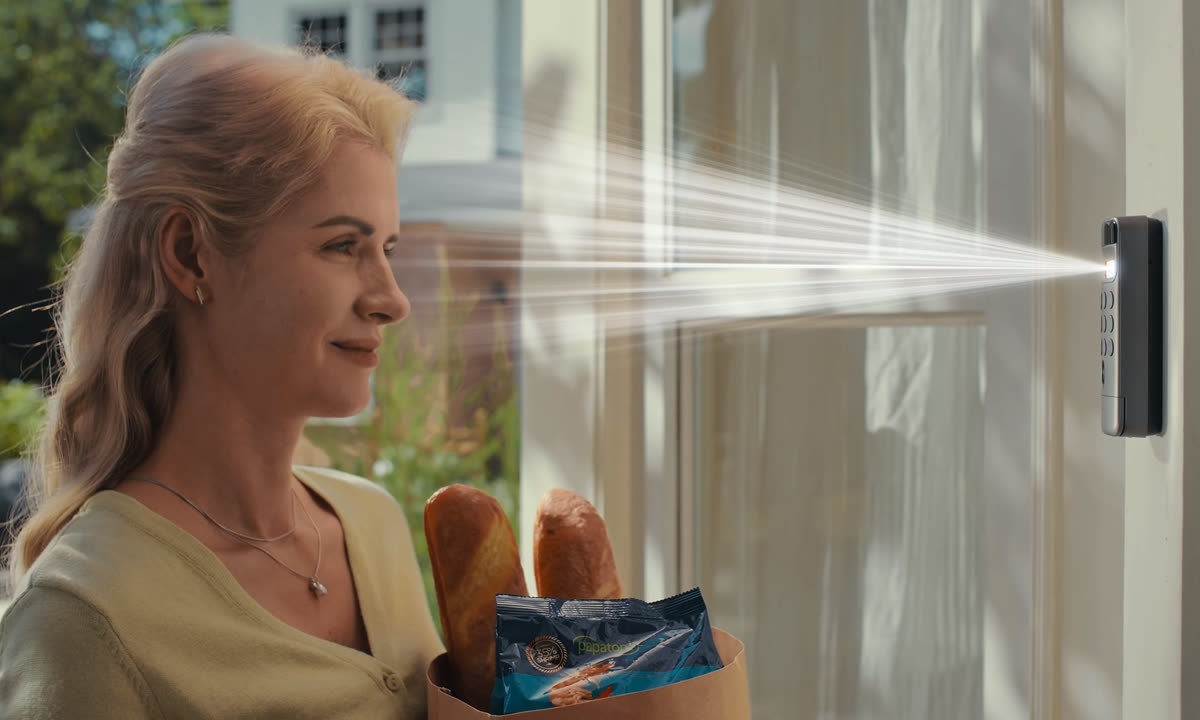
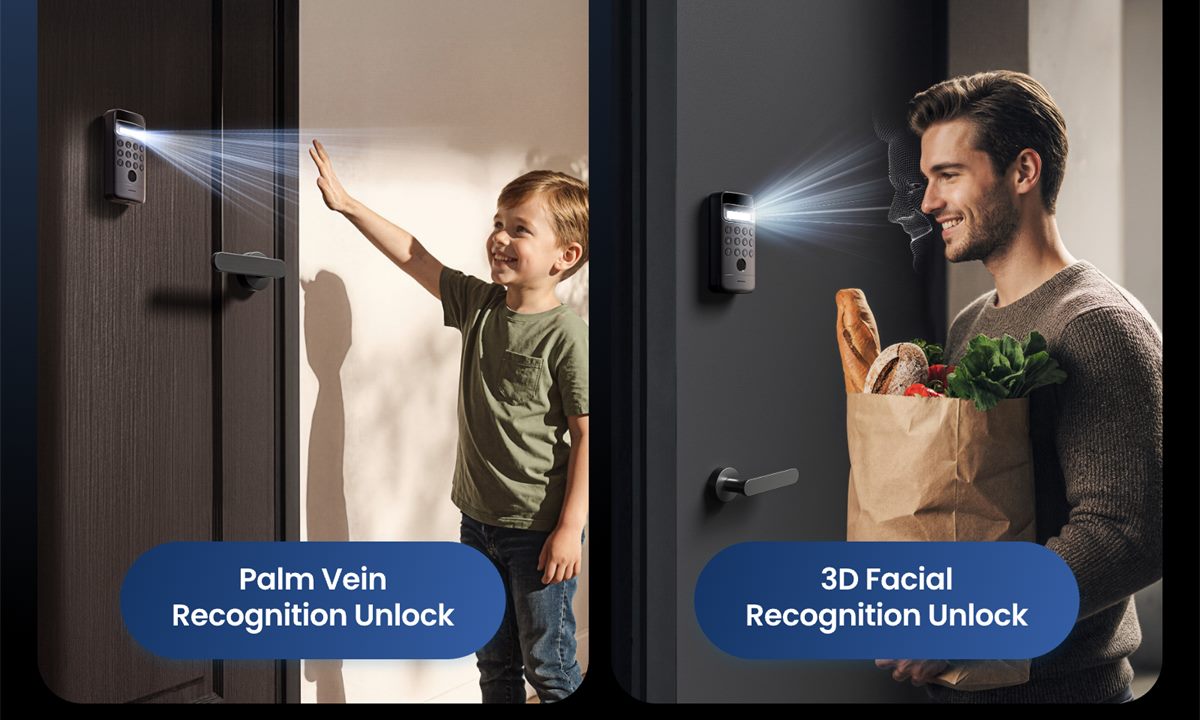
Coming home with groceries, takeout, or pasalubong? Face recognition unlocks the door without a PIN, phone, or free hand.

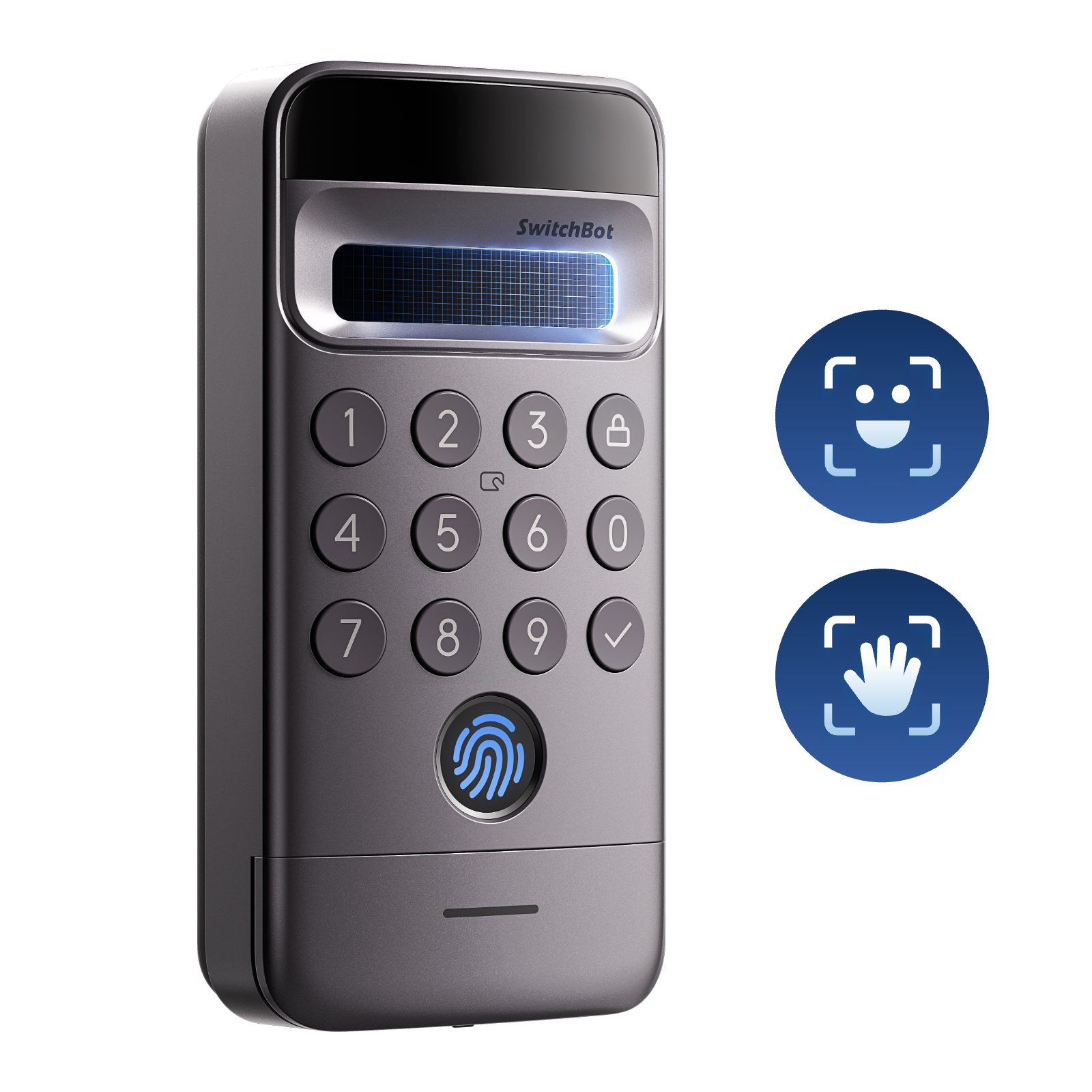
Pairs with Lock Ultra. Walk up, look at the camera or present your palm, and the door unlocks. Face, palm, fingerprint, PIN, NFC, and app options cover the whole household.
Face + palm recognition
Hands-free entry for groceries, kids, luggage, and guests who should not need a physical key.
Built-in camera
Snaps a photo of every unlock attempt. View history in the app.
Fingerprint + PIN + NFC
Five total ways to unlock. Family members can pick what's easiest.
Weather-resistant
IP65 rated — handles Manila rain and Davao sun.
USE · 01
Coming home with groceries, takeout, or pasalubong? Face recognition unlocks the door without a PIN, phone, or free hand.
 USE · 02
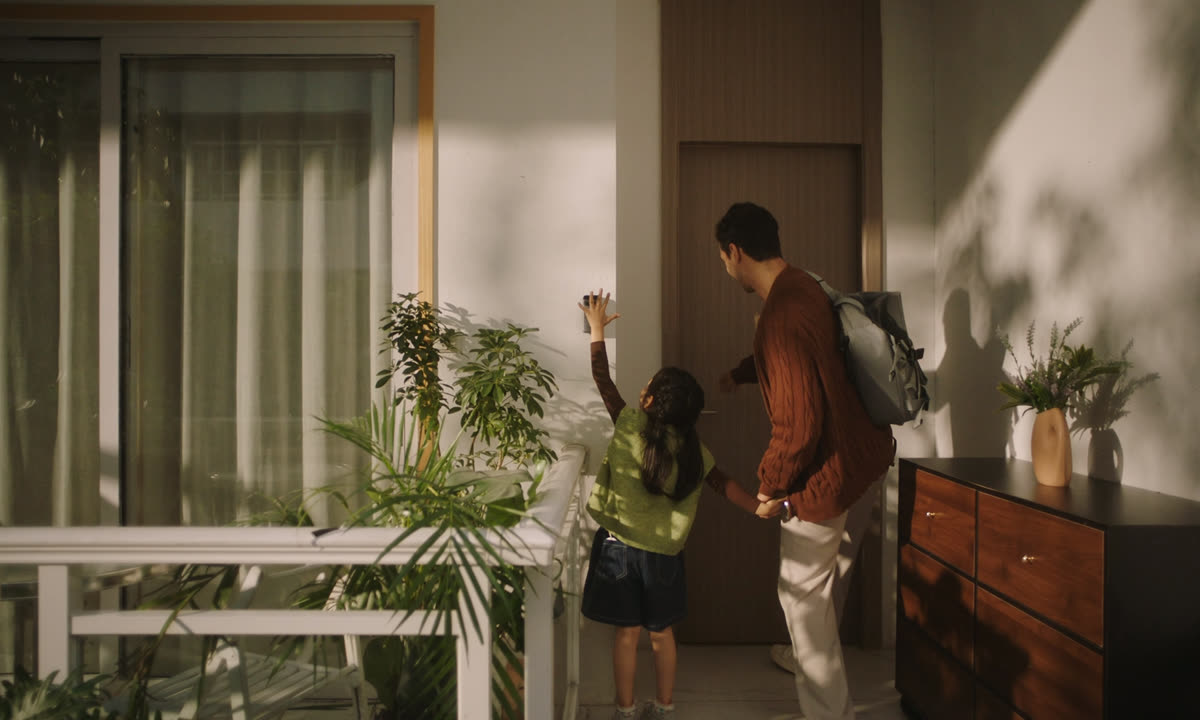
When face unlock is not the easiest angle, raise your hand instead. Palm recognition gives family members a fast, touch-free way in.
 USE · 03
One-time PIN for the plumber. Recurring schedule for the helper. Custom code for each family member.
 Official SwitchBot
| Recognition | Face, palm, fingerprint, PIN, NFC, app |
| Camera | Built-in (visit history with snapshots) |
| Power | Built-in rechargeable battery, USB-C |
| Battery life | ~6 months per charge |
| Weather rating | IP65 |
| Pairs with | SwitchBot Lock / Lock Ultra |
| Storage | Up to 100 face profiles, 100 fingerprints, 100 PINs |
| Warranty | 1-year local PH warranty |
| Power note | Check the official listing before ordering |
| Shipping | Metro Manila 1–3 days · Provincial 3–7 days |