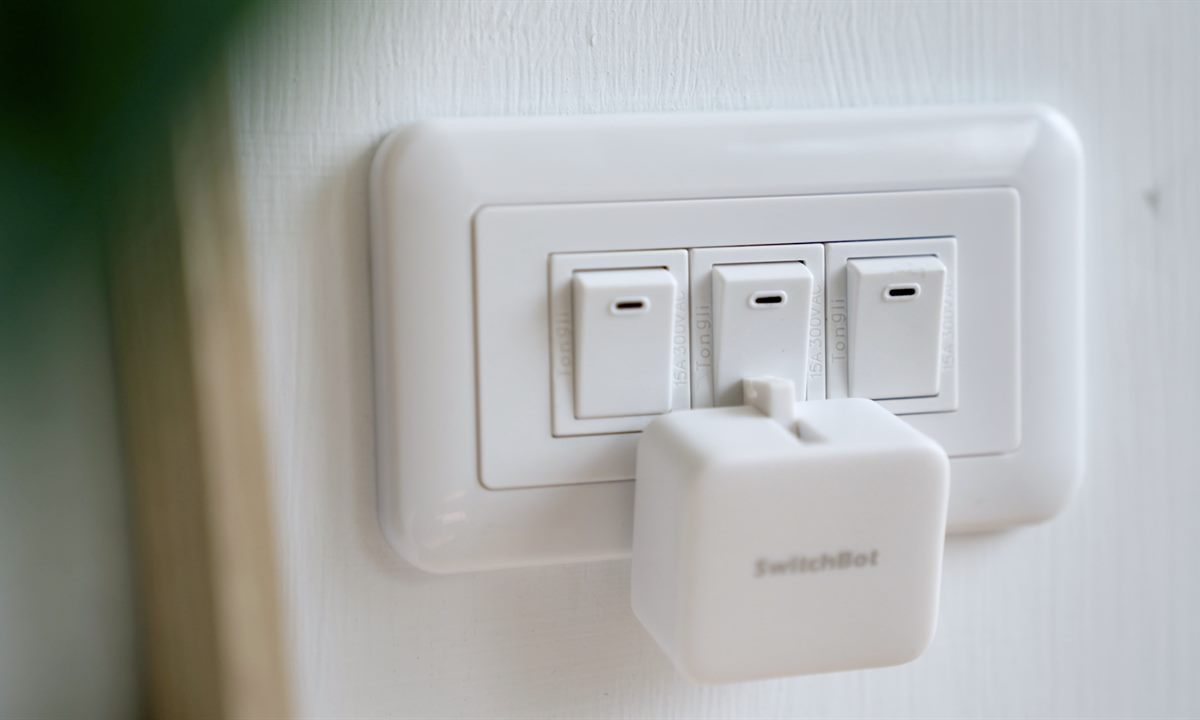
SwitchBot Bot Philippines
Make a switch smart
Use Bot where a compatible physical button or rocker switch is the problem.

For renters, condo owners, and families who do not want rewiring, SwitchBot focuses on retrofit devices: button pushers, hubs, smart locks, curtains, sensors, doorbells, and lighting from the official PH catalog.
Use Bot where a compatible physical button or rocker switch is the problem.
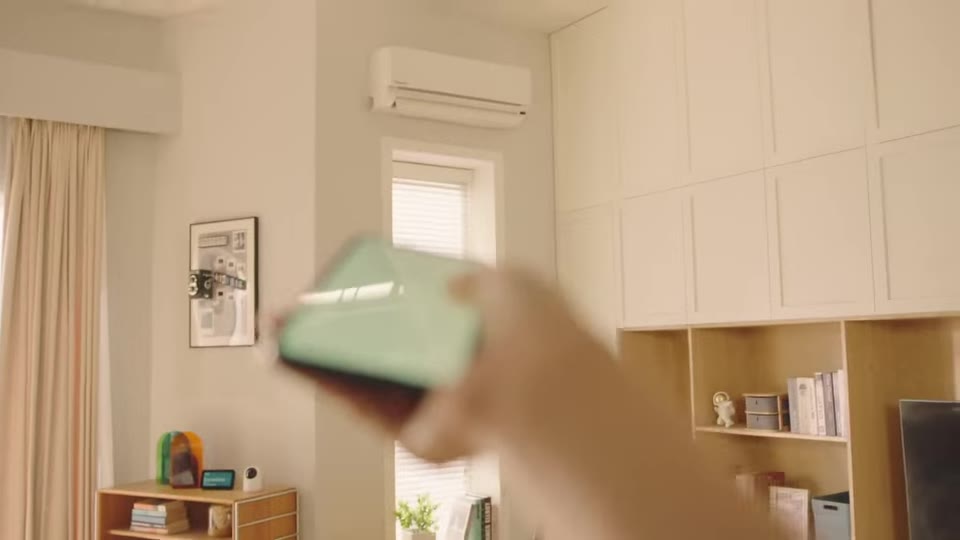
Compare Hub 2 and Hub 3 when you want remote control, voice assistants, or IR remote control.
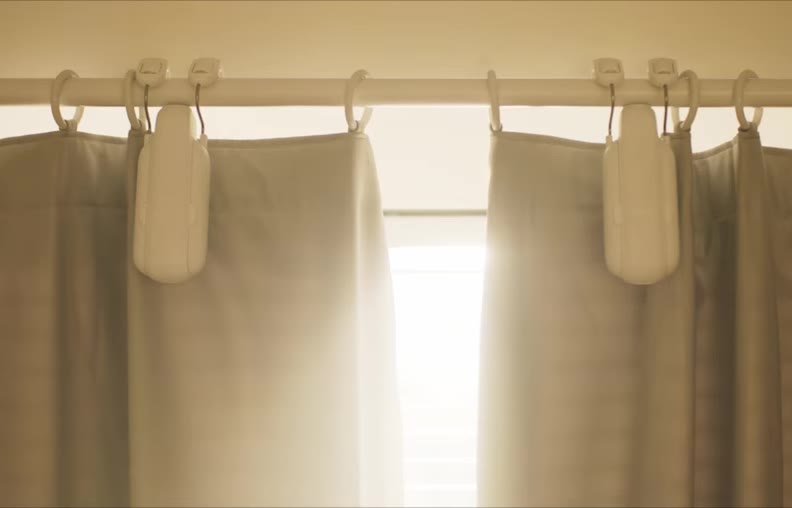
Check whether you have a U-rail track or round rod before choosing the right Curtain 3 page.
Clean, smooth, stable surfaces matter for adhesive products. Avoid loose paint and fragile finishes.
Door locks, curtain tracks, and switches still need fit checks. Do not guess if the shape is unusual.
Decide whether Bluetooth-only use is enough, or whether you need a Hub for remote and voice control.