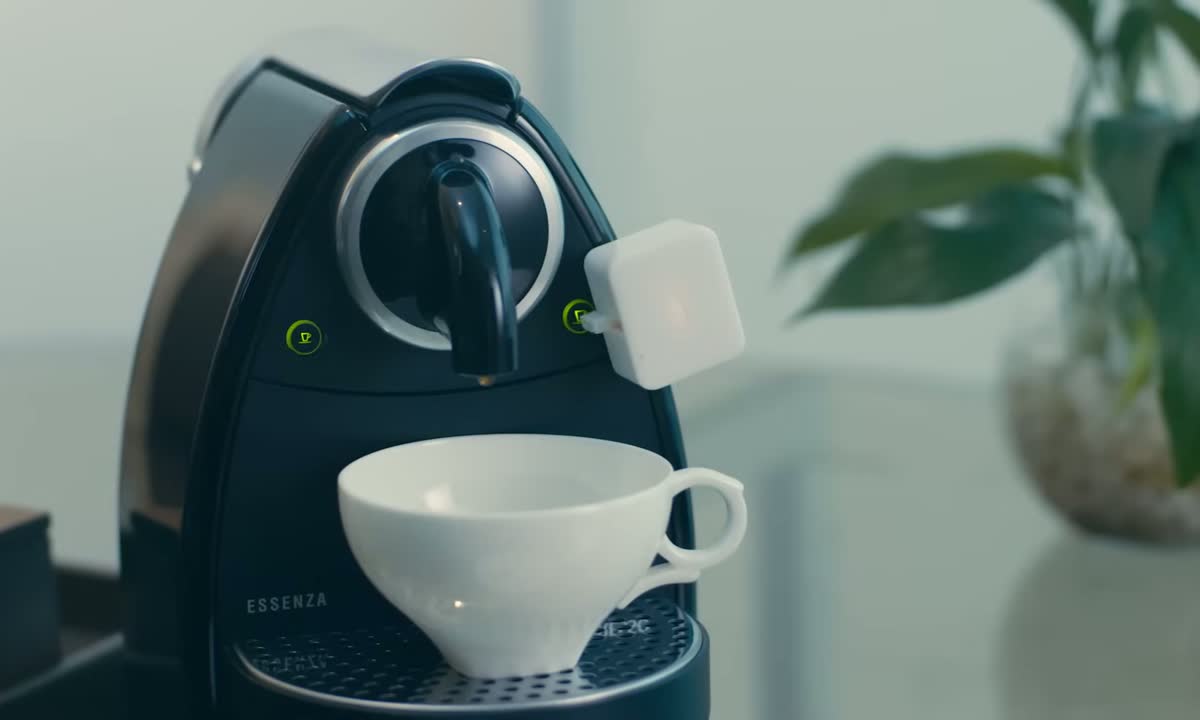
 USE · 01
Coffee, ready when you are
Stick the Bot onto your coffee maker's power button. Set a 6:30 AM schedule. Wake up to fresh brew without leaving bed.


Makes physical switches smarter in seconds. Stick it onto a rocker switch or appliance button — lights, coffee makers, fans, awkward switches — and let the Bot press it for you.
Peel-and-stick install
3M adhesive. Done in under 60 seconds.
Works on almost any switch
Rockers, buttons, light switches — up to 1.6kgf.
Bluetooth + Hub
BLE for in-home, add Hub 2 or Hub 3 for remote & voice.
Long battery
Up to 600 days on one CR2 battery.
USE · 01
Stick the Bot onto your coffee maker's power button. Set a 6:30 AM schedule. Wake up to fresh brew without leaving bed.
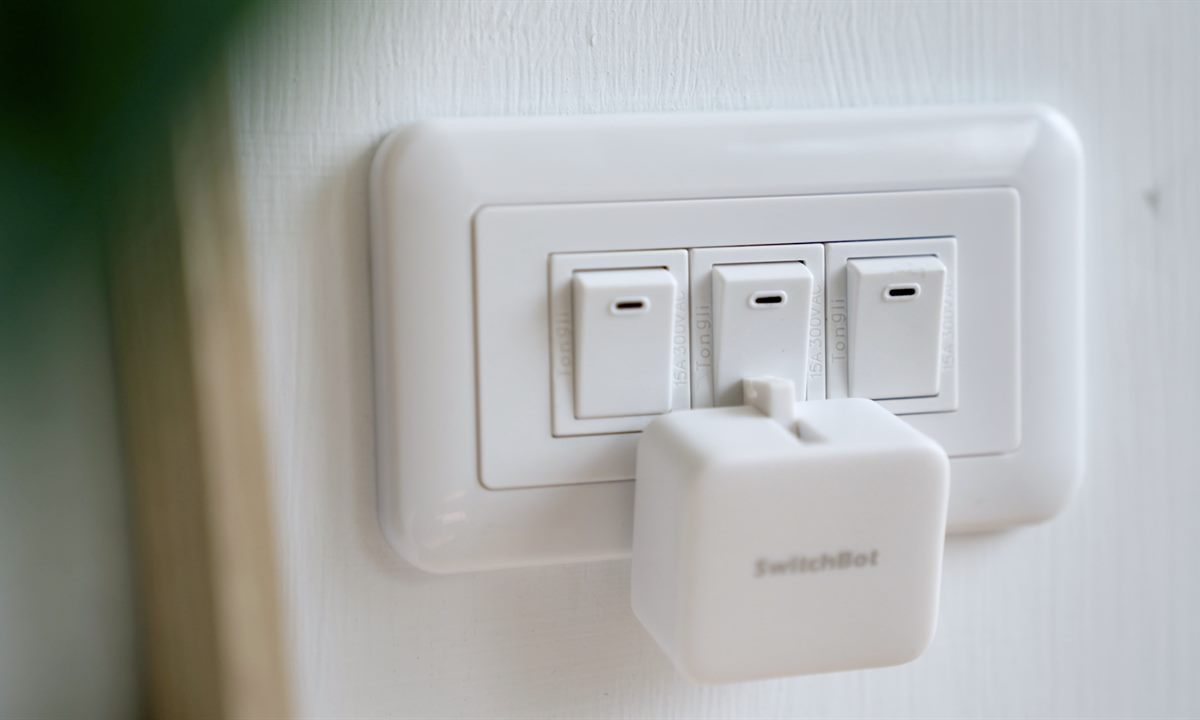 USE · 02
Stick Bot beside the switch plate you already have. Turn the room on from the app, set a schedule, or add Hub 2 / Hub 3 for voice control.
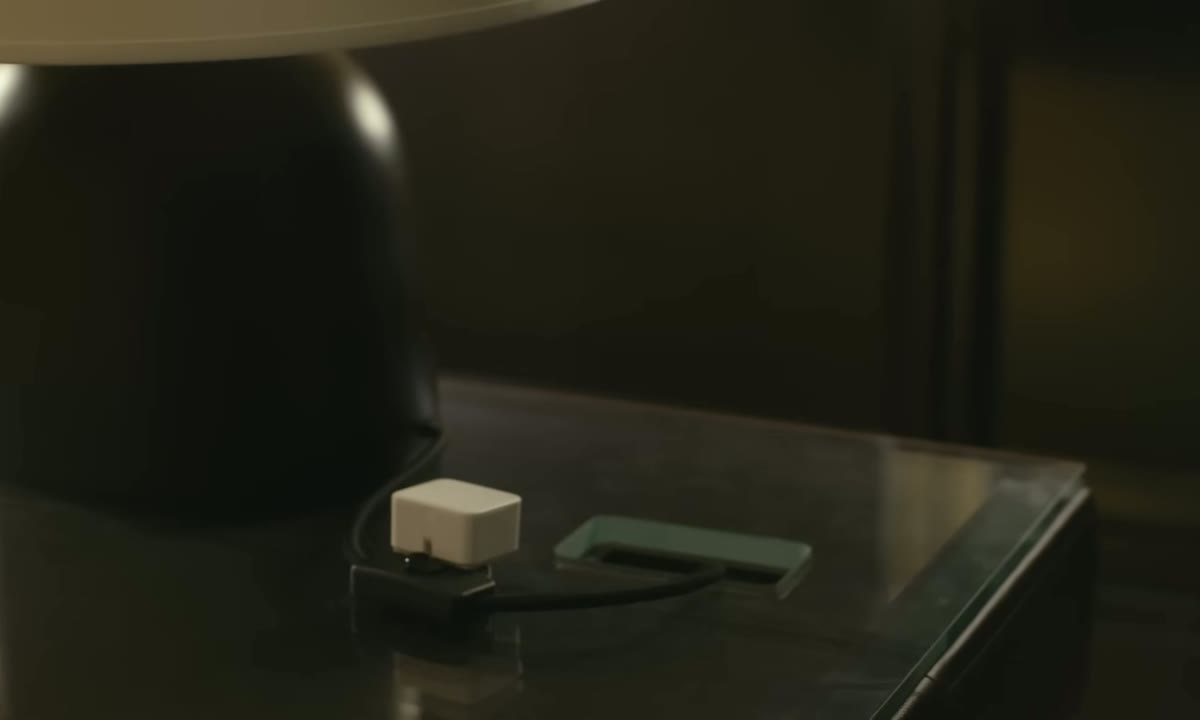 USE · 03
For lamps, power strips, or switches tucked behind furniture. Tap from bed or trigger a scene instead of crawling behind a table.
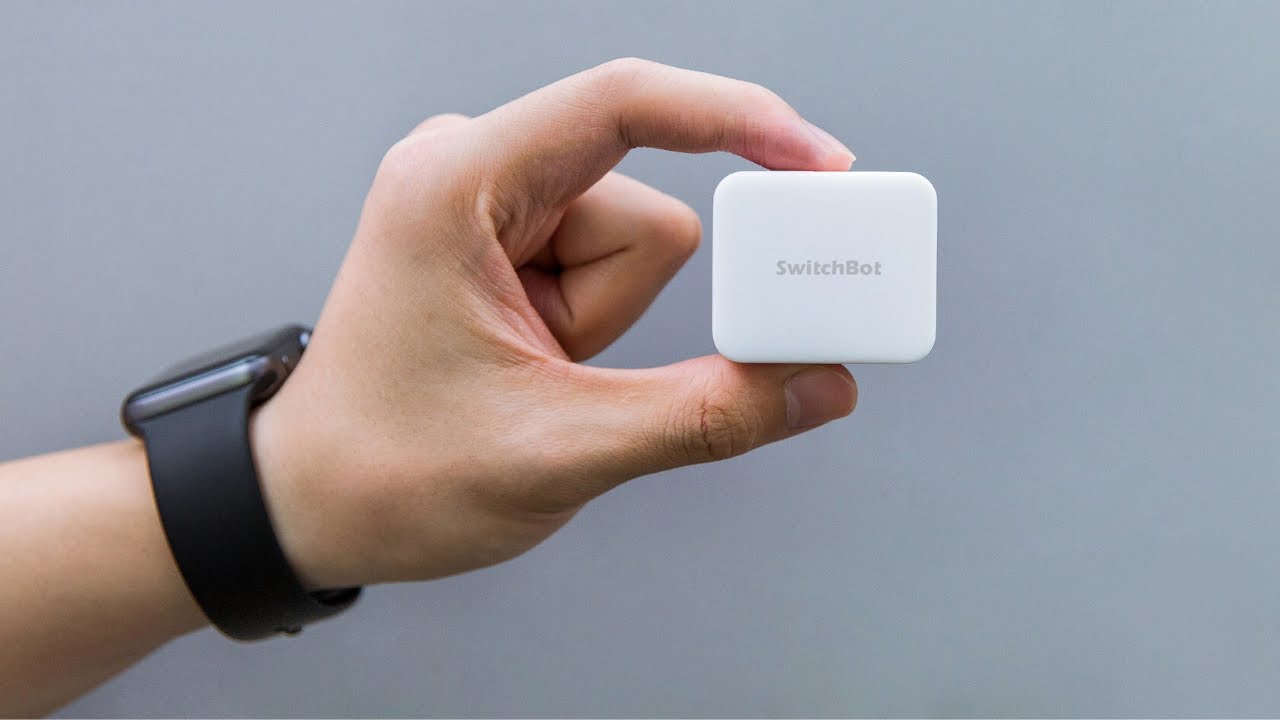 Official SwitchBot
| Dimensions | 42 × 36 × 24 mm |
| Weight | ~42 g |
| Maximum press force | 1.6 kgf (≈ 16 N) |
| Connectivity | Bluetooth 4.2 (use Hub 2 / Hub 3 for WiFi & voice) |
| Battery | 1× CR2 lithium battery (included) |
| Battery life | Up to 600 days, depending on usage |
| Operating temperature | -20°C to 60°C |
| Mounting | 3M VHB adhesive (replacements available) |
| App | SwitchBot (iOS / Android) |
| Voice assistants | Alexa, Google Assistant, Apple Home, SmartThings (via Hub) |
| What's in the box | 1× Bot, 1× CR2 battery, 1× add-on, 1× sticker mate, manual |