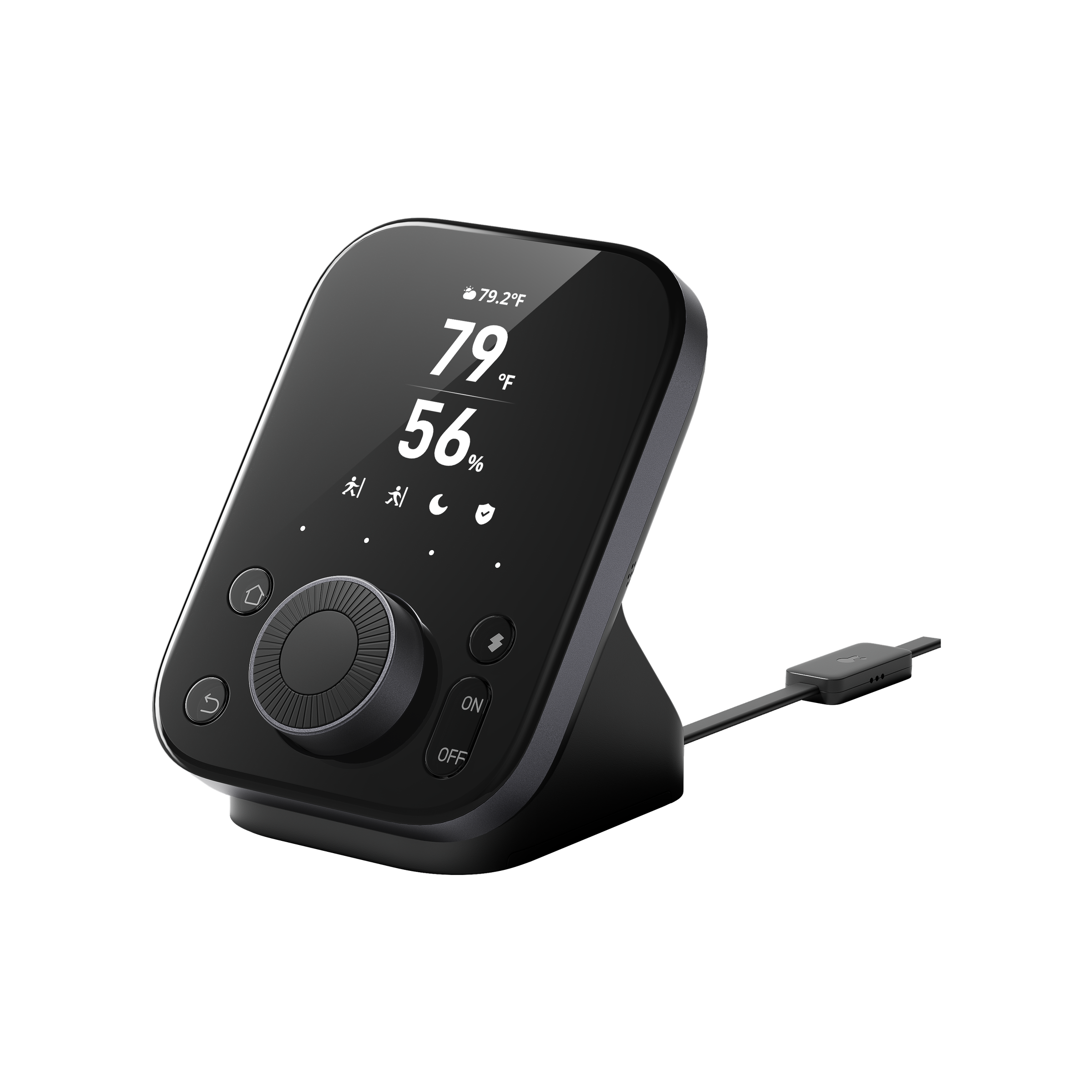
Smart Dial Hub
SwitchBot Hub 3
The newer hub page for buyers who want a dedicated control surface plus IR and smart home bridging.

For PH homes with split-type or window-type aircon that already uses an infrared remote, Hub 2 and Hub 3 are the official SwitchBot pages to compare for smart IR remote control.
The newer hub page for buyers who want a dedicated control surface plus IR and smart home bridging.
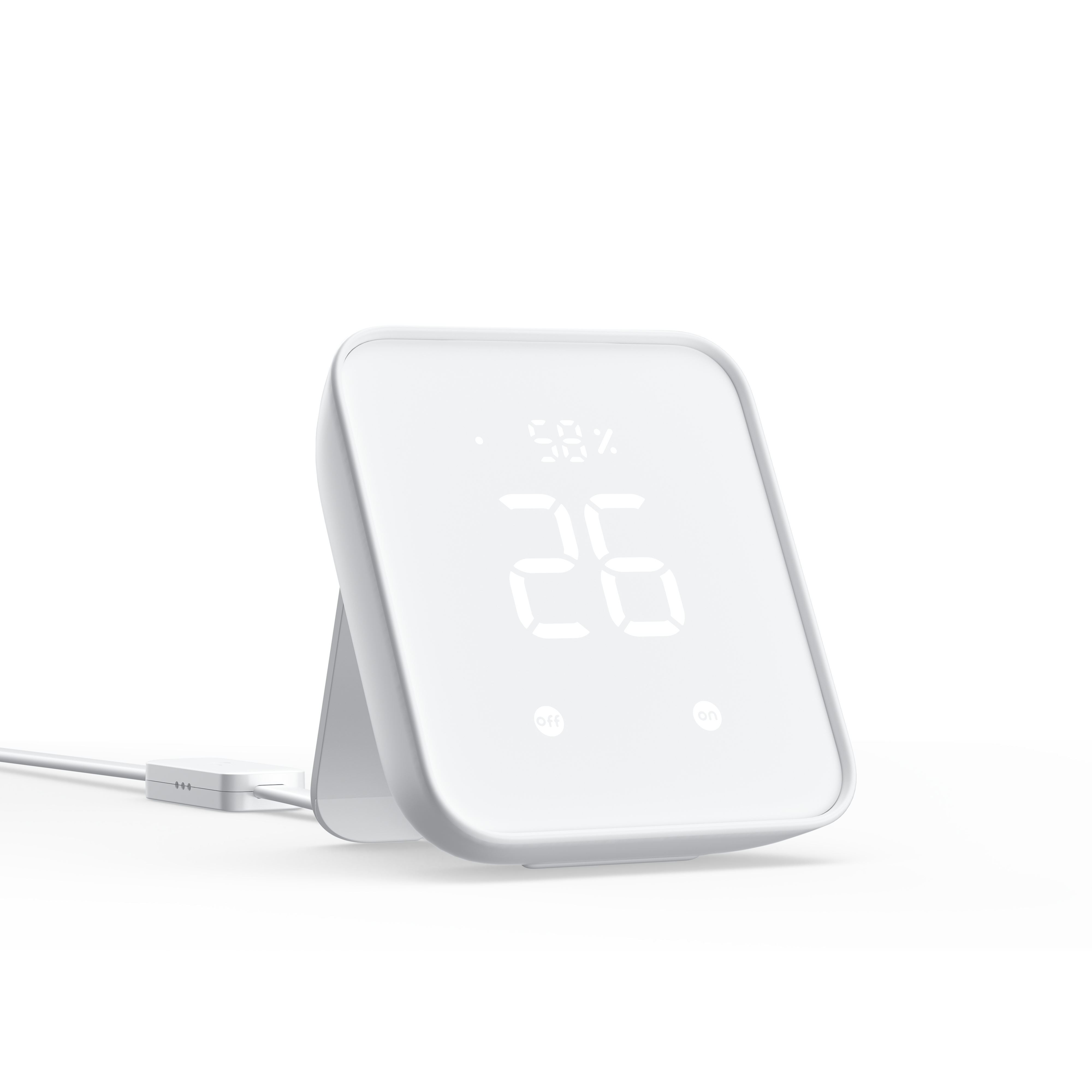
A compact hub option for IR control, remote access, and compatible SwitchBot ecosystem use.
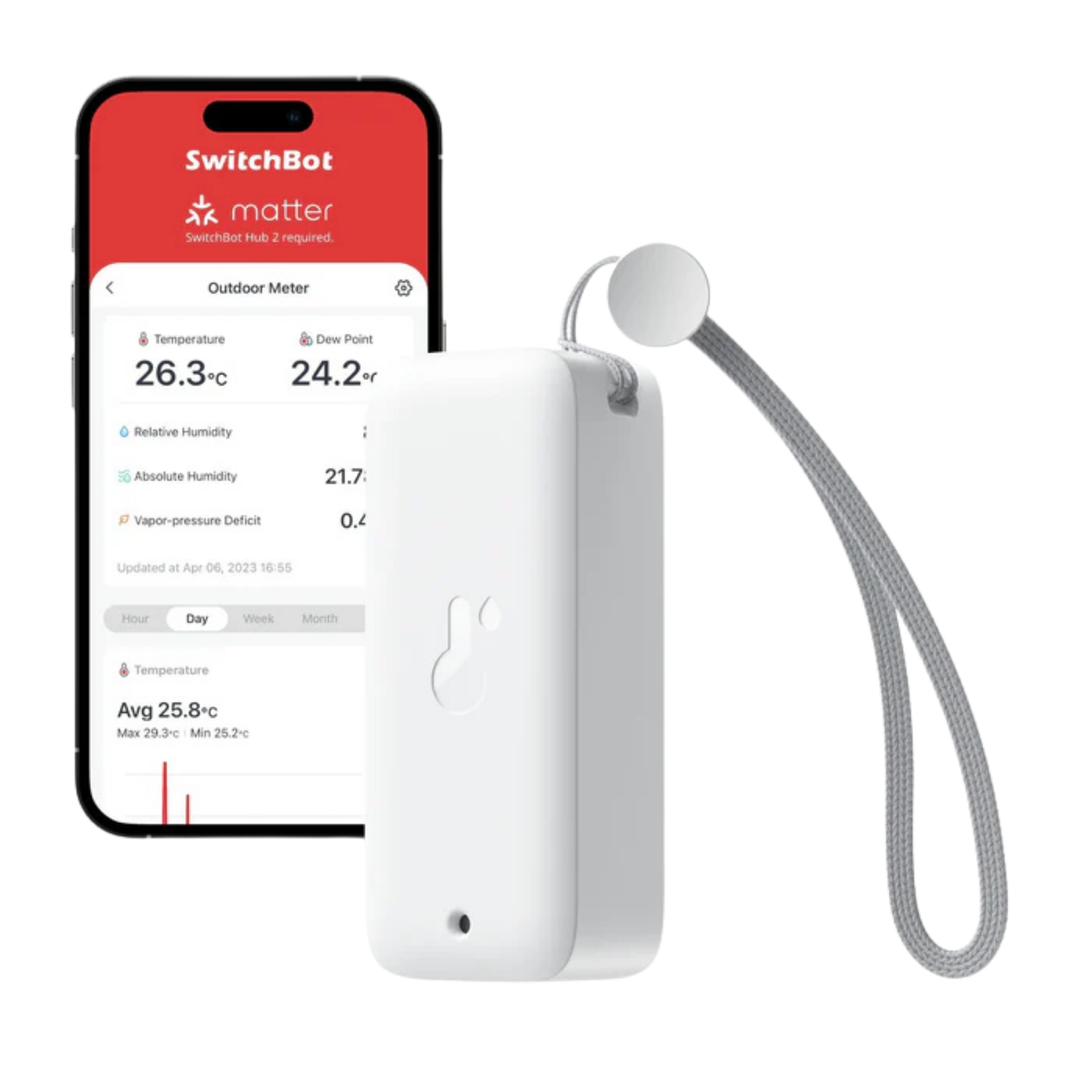
Use the sensor page when temperature and humidity visibility are part of the comfort setup.
 USE · 01
Turn the aircon on before arriving only after confirming your Hub and aircon remote are compatible.
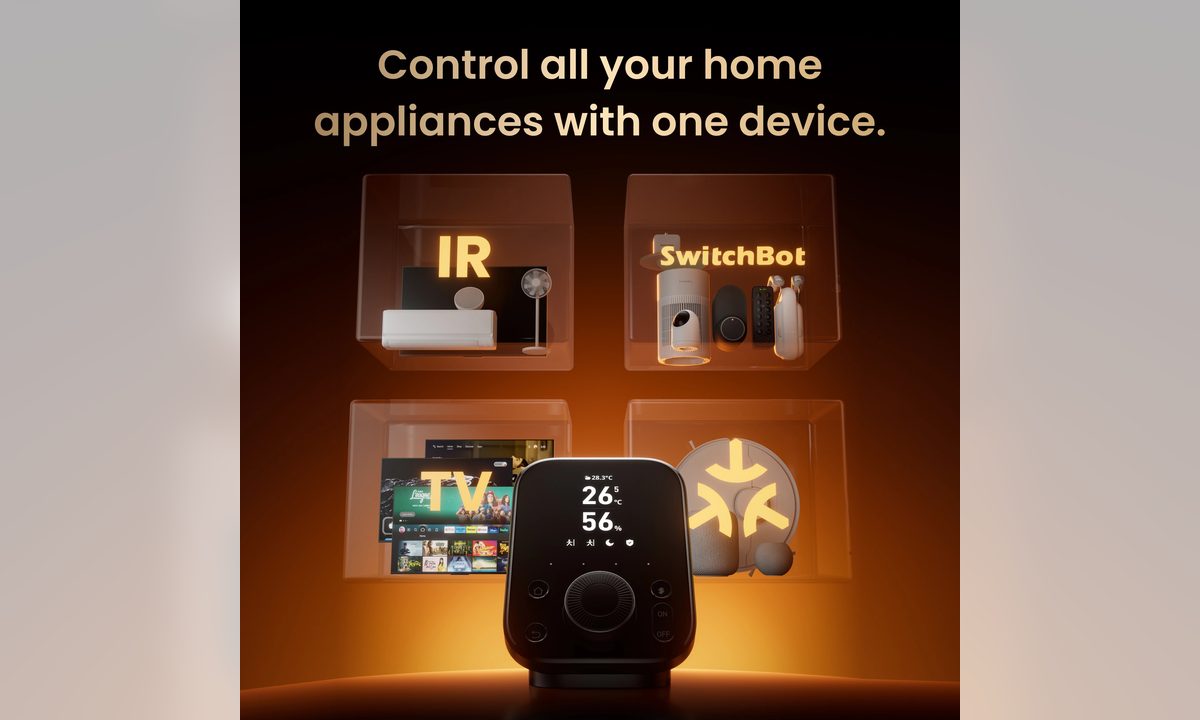 USE · 02
Consolidate compatible IR remotes for aircon, TV, fans, and entertainment devices.
 USE · 03
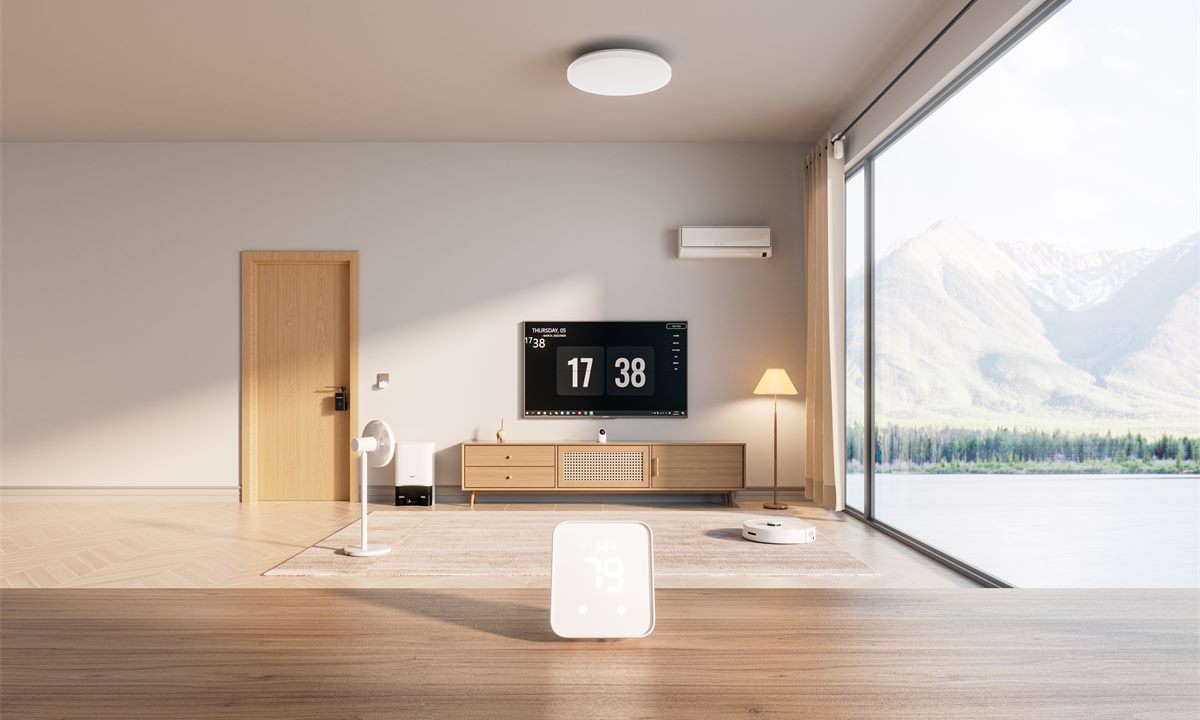
Use sensor visibility to decide when automation would be useful, then confirm device compatibility before building the routine.