 USE · 01
Grocery run from S&R
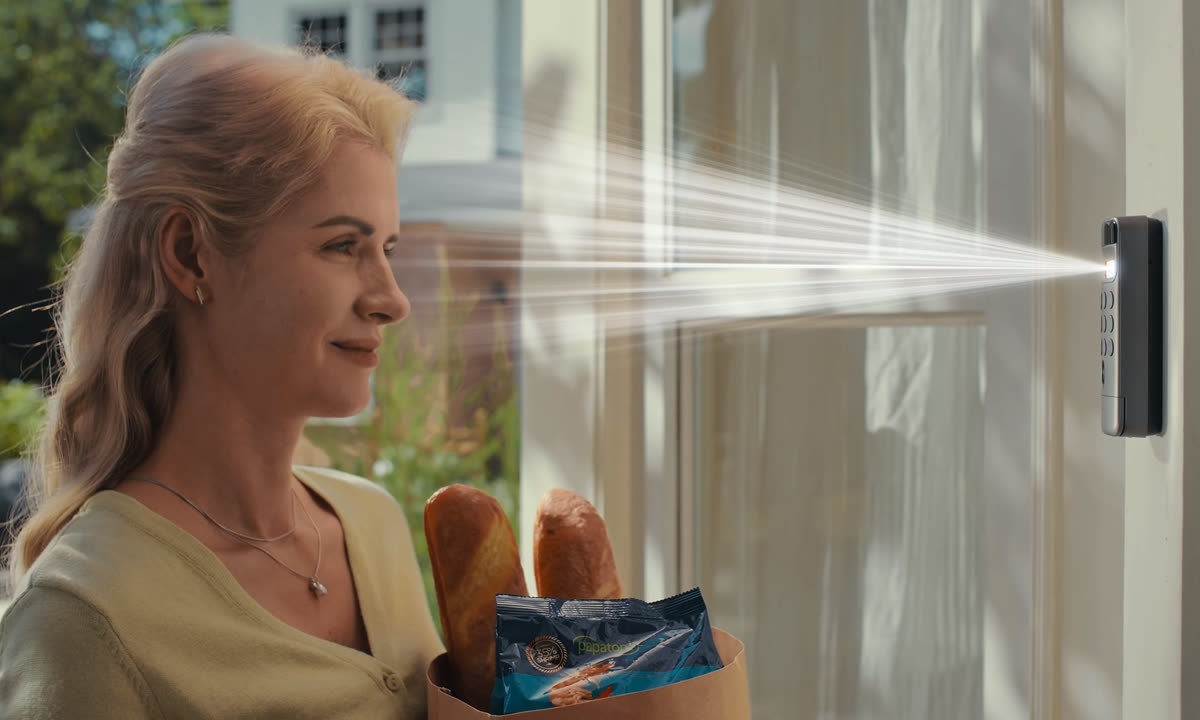
Six bags in each hand, the laundry on top, your phone is buried in your sling bag. Glance at the keypad — door opens.

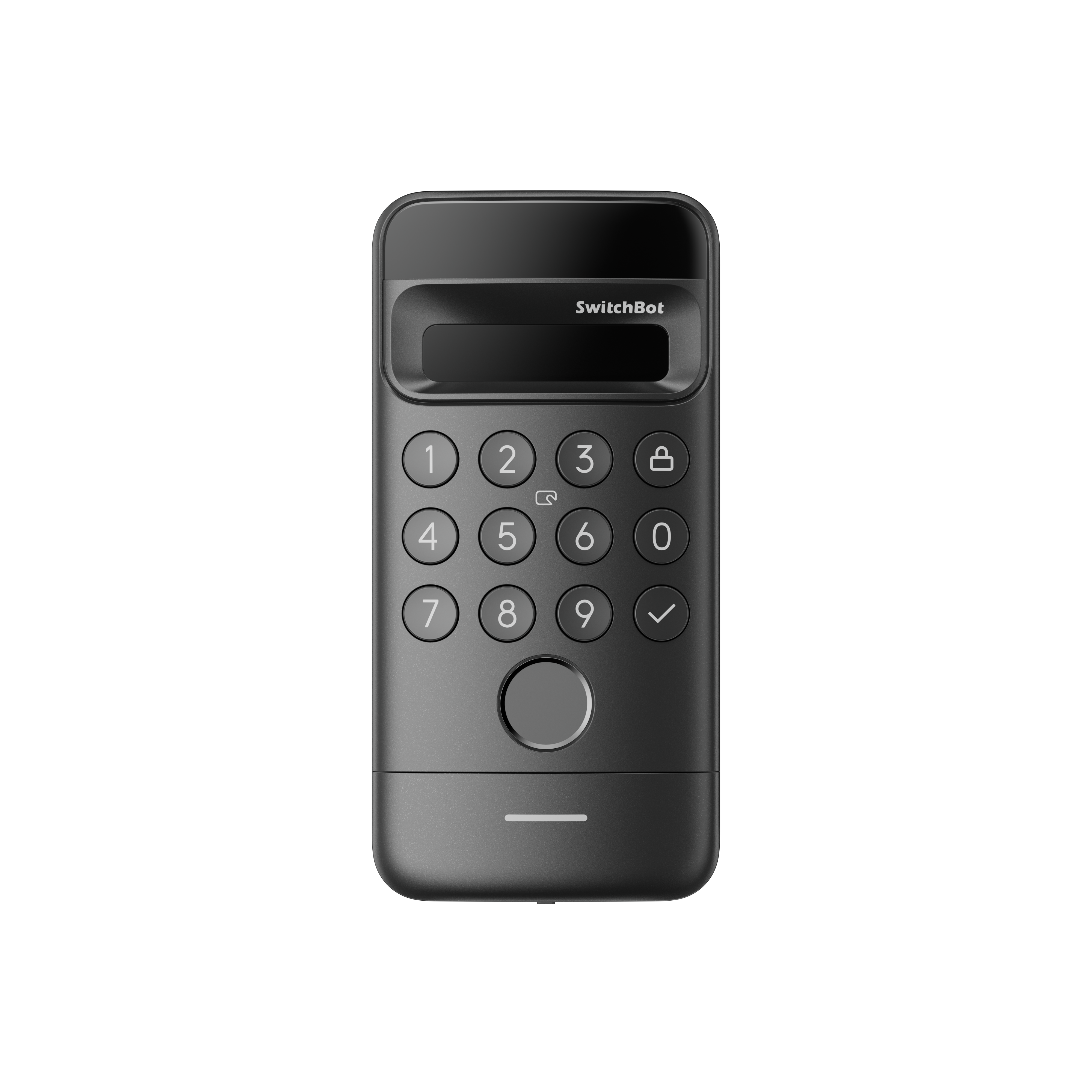
A retrofit smart-lock keypad with 3D facial recognition, fingerprint, PIN, NFC, and app unlock. Walk up, glance at the camera, or use the backup method that fits the moment.
3D face unlock
Structured-light depth sensor. Can't be fooled by a photo.
Works in the dark
Active IR illumination — comes home from karaoke at 2am, just walks in.
Fingerprint + PIN + NFC
Backup unlock options for family, guests, and days when face unlock is not the easiest route.
Weatherproof
IP65 — survives the Manila rainy season.
USE · 01
Six bags in each hand, the laundry on top, your phone is buried in your sling bag. Glance at the keypad — door opens.
 USE · 02
The 3D facial sensor checks depth, not just a flat image. It recognizes registered faces in low light, so you can walk in without keys or PINs.
 USE · 03
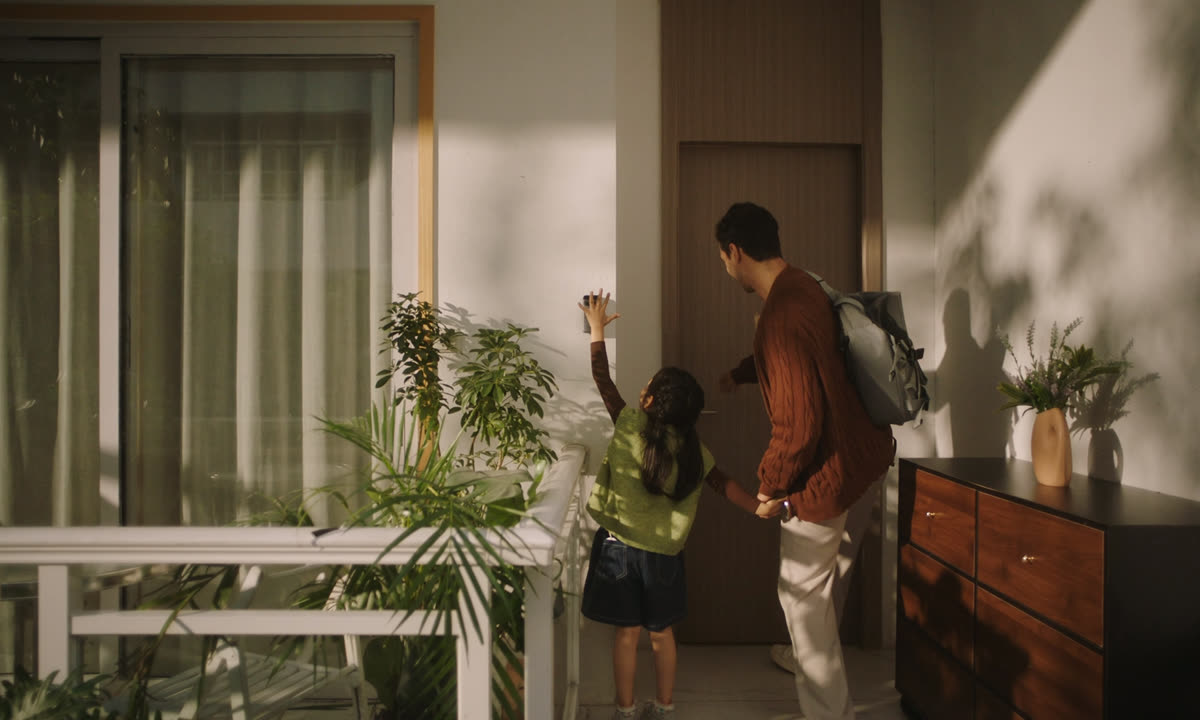
Register each household member with the method that fits them: face, fingerprint, PIN, or NFC. The app records who unlocked and when.
 Official SwitchBot
| Recognition | 3D structured light, anti-spoofing |
| Unlock methods | Face, fingerprint, PIN, NFC, app, mechanical key backup |
| Faces stored | Up to 50 |
| IP rating | IP65 (rain & dust resistant) |
| Power | 4× AAA alkaline (included) |
| Battery life | Up to 9 months typical |
| Pairs with | SwitchBot Lock or Lock Ultra |
| What's in the box | 1× Keypad Vision, 4× AAA, mounting plate, adhesive backing, screws, manual |