 USE · 01
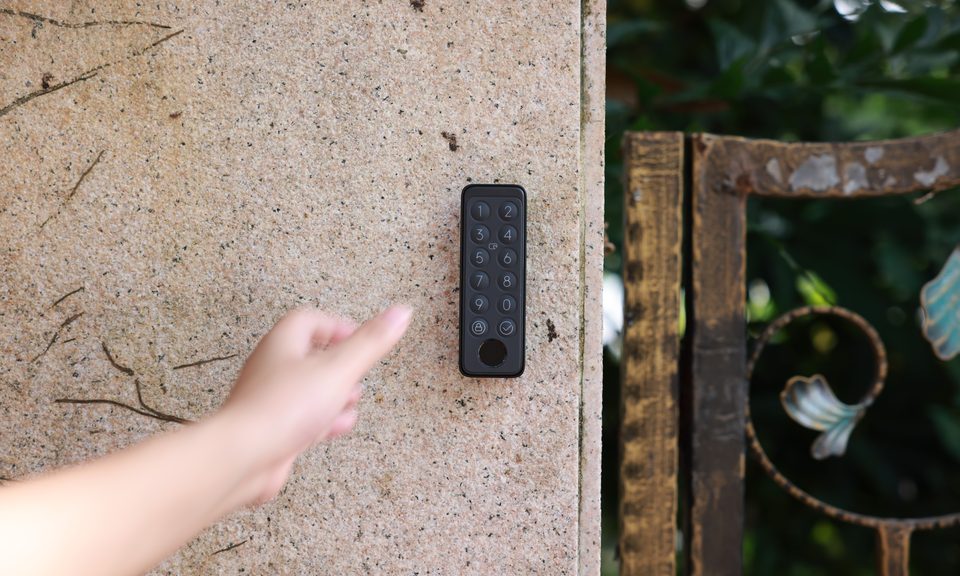
A unique PIN for the kasambahay
When she leaves the role, you revoke her PIN — no need to call a locksmith to rekey.


The classic SwitchBot keypad. Unlock with a PIN, fingerprint, or NFC card — the most affordable way to ditch your spare key. Weatherproof for the Manila monsoon season.
PIN + fingerprint
Up to 100 fingerprints plus unique PINs for family, helpers, and guests.
NFC card access
Give a card to someone who should not need keys, an app, or a memorized code.
Weatherproof
IP65. Survives the rainy season and direct rain spray.
Temporary codes
Generate single-use or time-limited PINs for guests, helpers, deliveries.
USE · 01
When she leaves the role, you revoke her PIN — no need to call a locksmith to rekey.
 USE · 02

For people who come home every day, fingerprint unlock is faster than typing a PIN. Register family members and keep the spare key retired.
 USE · 03

Give a card to someone who does not want an app or a memorized code. Tap to unlock, then disable the card later if access changes.
 Official SwitchBot
| Unlock methods | PIN, fingerprint, app, mechanical |
| Fingerprints stored | Up to 100 |
| IP rating | IP65 (rain & dust resistant) |
| Power | 4× AAA alkaline (included) |
| Battery life | Up to 2 years typical |
| Pairs with | SwitchBot Lock or Lock Ultra |
| Connectivity | Bluetooth 5.0 (Lock app handles Wi-Fi) |
| What's in the box | 1× Keypad Touch, 4× AAA, mounting plate, screws, adhesive backing, manual |